Step 1: Ensure the DomainKey Appears in the DNS
In order for CampusLogin to use the domainkey it must be added to all your school wishes to send emails from.
To verify your domainkey was setup successfully please visit: https://protodave.com/tools/dkim-key-checker/
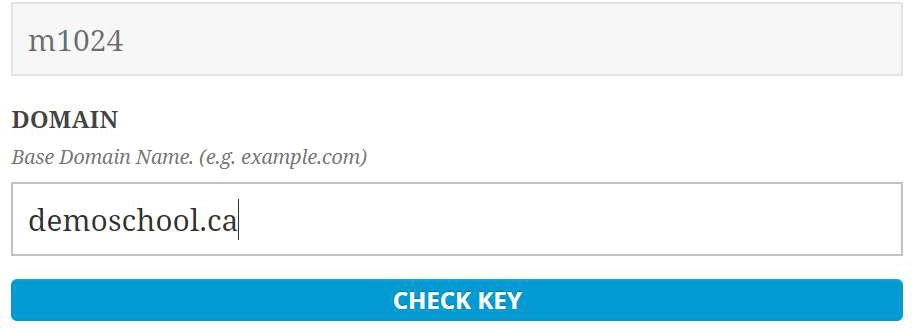
In the first text box type in “m1024”.
In the second text box type in your domain ex. ”demoschool.ca”
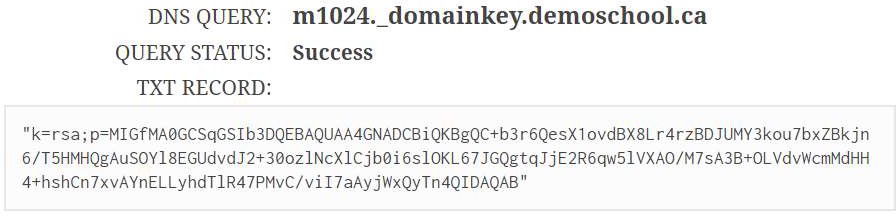
You should then see the “Success” response:
If you do not see the success response:
-
Wait up to 24 hours for your changes to take affect. Some hosting providers take up to 24 hours for your changes to propagate
-
Contact your hosting company. You can show them your test results and even run the test with them. Showing them that your domainkey is not saving properly. Once the hosting company resolves the issue you can re-run the test in CampusLogin